







 Walmart Integration
Connect Walmart Marketplace
to Your Helpdesk
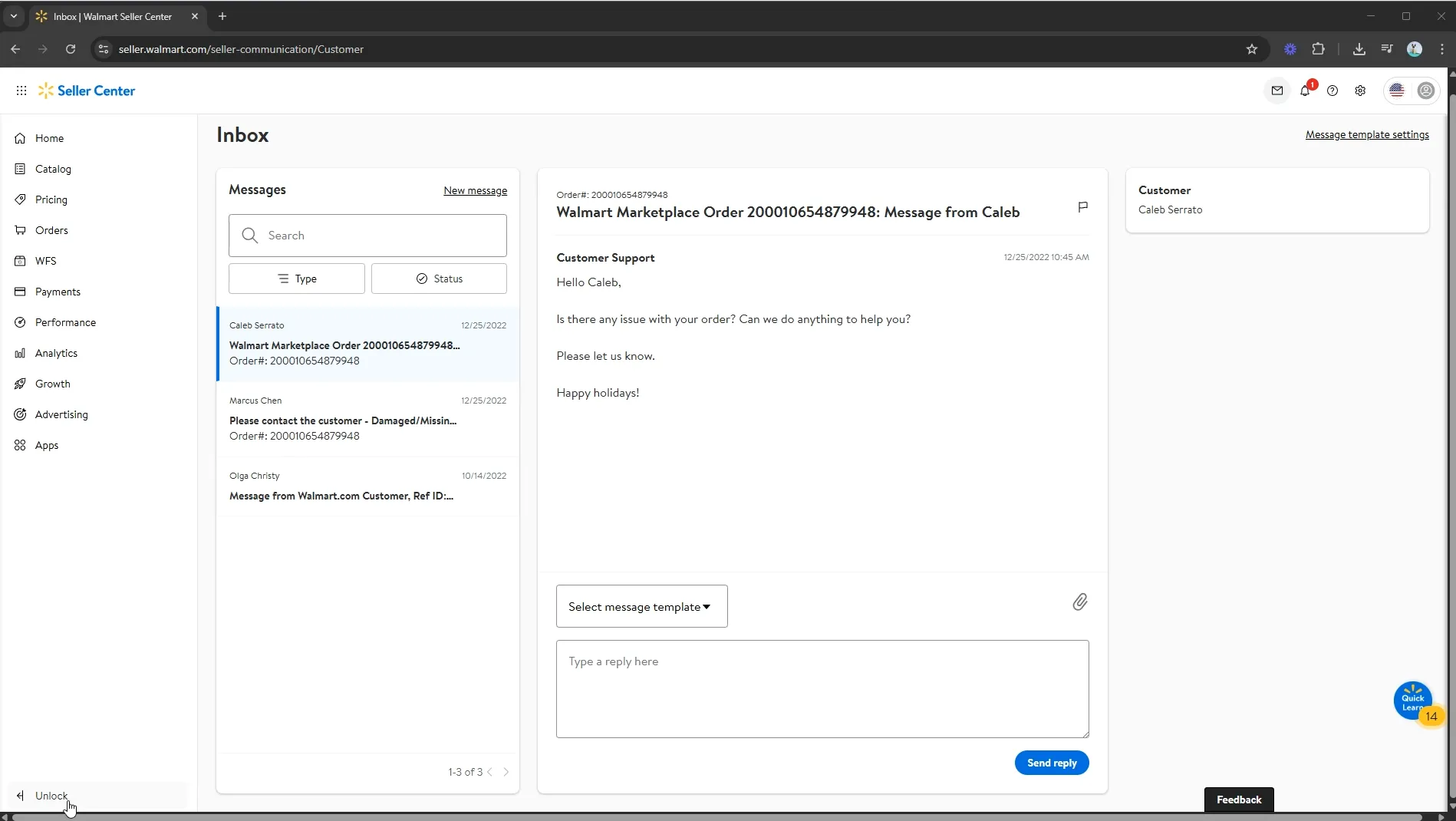
Manage all your Walmart Marketplace buyer messages, orders, and returns inside Zendesk, Gorgias, or your favorite helpdesk — and meet Walmart's strict SLA requirements with ease.
Works with








Walmart's SLAs demand a faster inbox
Walmart Marketplace holds sellers to strict response time requirements. Juble.io routes all your Walmart buyer messages and order data into your helpdesk so your team can meet SLAs without scrambling — and protect your Pro Seller status.
Get started for free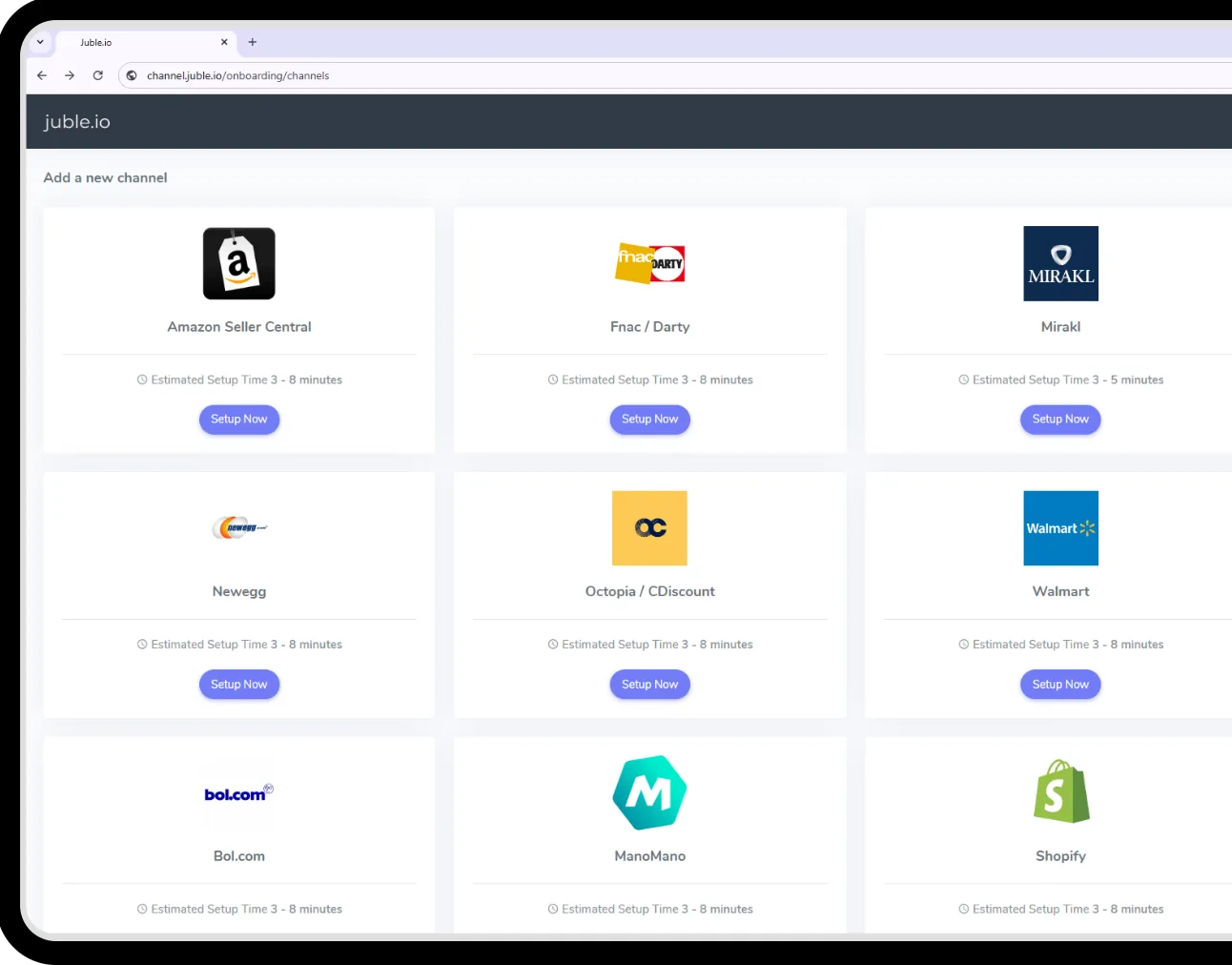
Smarter workflows, faster replies, happier customers
Walmart's strict seller performance standards require fast, accurate support — Juble.io gives your team the infrastructure to deliver it consistently.
Fast Setup
Connect your Walmart Marketplace account and your helpdesk in minutes. Our guided setup handles authentication and field mapping — no developer needed.
- Connect in under 5 minutes
- Guided step-by-step onboarding
- No code or API knowledge needed
- Instant data sync on first connection
Fully Synced
Every Walmart buyer message, order update, and return flows automatically into your helpdesk — with full order context so your agents can respond on the first reply.
- Unified inbox for all Walmart storefronts
- Buyer messages, returns, and order updates synced in real time
- Order ID and product data mapped to helpdesk ticket fields
- SLA due dates surfaced in your helpdesk queue
- Custom tags by order type and return status
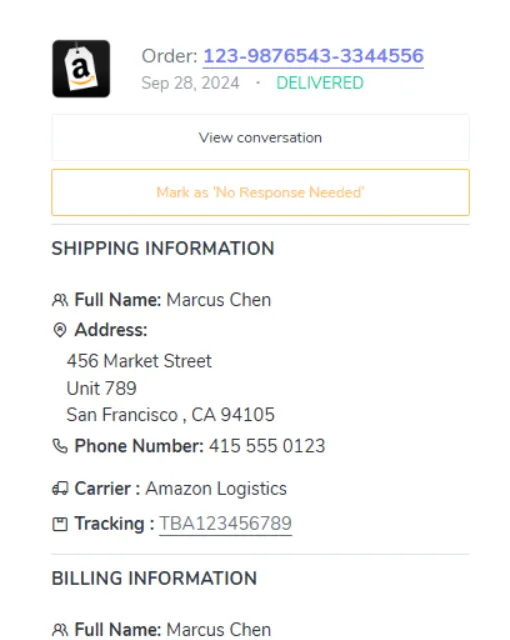
See your Walmart orders right inside your helpdesk
Your agents no longer need to leave their helpdesk to look up Walmart order details. Juble.io surfaces a rich sidebar panel with everything they need — order status, tracking, customer history, and marketplace-specific fields — so they can respond with confidence on the first reply.
- Order status, tracking number & shipping carrier
- Customer purchase history across all marketplaces
- Marketplace-specific fields mapped to your workflow
- Quick links to open the order on the marketplace
Walmart Marketplace Integration – Frequently Asked Questions
Everything you need to know about connecting Walmart to your helpdesk with Juble.io.
Can I manage Walmart buyer messages inside Zendesk using Juble.io?
Yes — Juble.io routes all Walmart Marketplace buyer messages directly into your Zendesk inbox so your agents can reply without leaving the platform.
Does Juble.io help with Walmart's SLA requirements?
Yes. Juble.io surfaces Walmart response deadlines in your helpdesk queue so your team can prioritize tickets and meet SLA targets to protect your seller performance rating.
Does Juble.io sync Walmart order tracking and return data?
Yes — order IDs, tracking numbers, and return requests are automatically synced into your helpdesk ticket fields for full context on every conversation.
Ready to supercharge your customer support?
Seamlessly manage support across marketplaces and helpdesks — with all the tools your team needs to move fast.